
From Freelancer to Host: Package & Price Your Reseller Plans
Ship three clear plans (Starter, Business, Pro), lead with outcomes (speed, backups, email deliverability), and price bottom-up:
Retail ≥ (Unit Cost + Processing Fees + Support Time) ÷ Target Margin.
Offer free migrations, annual prepay, and 2–3 high-value add-ons to lift ARPU. Use WHM/cPanel with billing automation to provision accounts instantly.
Helpful plug: A white-label stack with instant setup, private nameservers, LiteSpeed + CloudLinux, daily backups, and free cPanel migrations makes packaging easy. See tremhost.com/reseller.html.
Why freelancers make great hosts
You already manage domains, WordPress, and fixes. Reseller hosting turns that trust into recurring revenue—without running your own servers. Your goals:
- Keep clients on a single, predictable platform
- Bundle hosting with care plans (updates, reporting)
- Reduce ticket time with performance + backups baked in
Pick your positioning (so pricing isn’t a race to the bottom)
Choose one lane and write copy for it:
- Local SMBs (clinics, shops, churches): “Fast, backed-up, done-for-you email.”
- Content sites: “Speed, staging, and safe updates.”
- Commerce/membership: “Checkout reliability + deliverability.”
Your niche lets you justify premium outcomes, not just GB.
Build a simple Good-Better-Best ladder
Map features to problems customers actually feel:
| Plan | For whom | Core outcomes | What to include |
|---|---|---|---|
| Starter | Single brochure sites | “It just works” | Daily backups, AutoSSL, email setup (SPF/DKIM/DMARC), 10 GB NVMe |
| Business | Blogs & growing SMBs | Speed + staging + safety | LiteSpeed/LSCache, staging, on-demand restore, uptime checks, 30 GB |
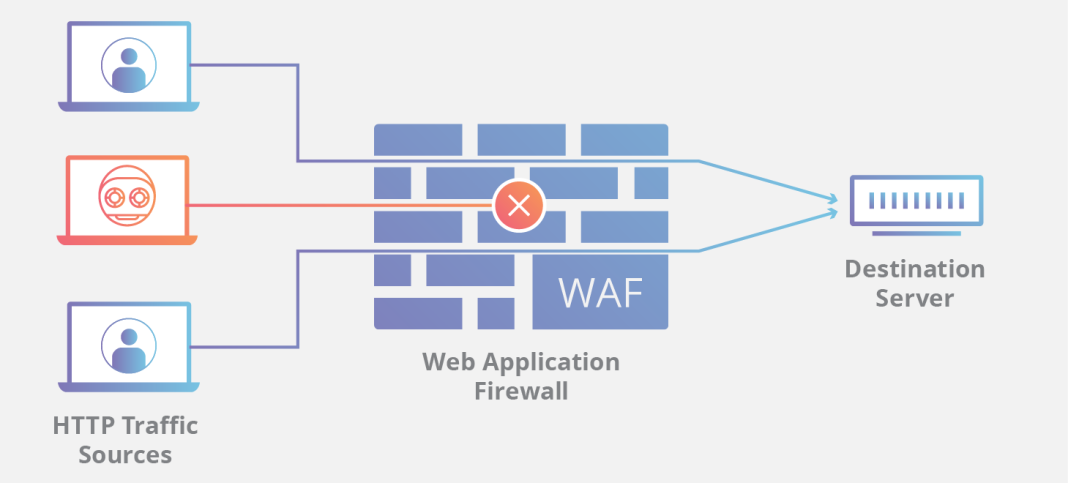
| Pro/Commerce | Woo/membership | Performance + priority | Priority CPU/RAM, object caching, WAF rules, monthly security report, 60 GB |
Tech to name-drop on your page for credibility:
- LiteSpeed + LSCache for real-world WordPress speed (see: tremhost.com/litespeed.html)
- CloudLinux + CageFS for per-account isolation and stability (see: tremhost.com/cloudlinux.html)
Add-ons that raise ARPU (and feel fair)
- Managed WordPress updates & reports (+$9–$19/mo)
- Premium backups (longer retention) (+$3–$6/mo)
- Dedicated IP / deliverability audit (+$3–$7/mo)
- Security hardening + malware cleanup SLA (+$9–$15/mo)
- CDN/WAF integration (+$5–$12/mo)
Package them; don’t bury them.
Pricing math you can trust
- Know your fixed costs (reseller plan, billing, status/helpdesk).
- Estimate variable costs (processor % + $/txn, average support minutes).
- Set a target margin (aim 70–85% before labor).
- Compute ARPU and break-even.
Formulas (monthly):
MRR = Σ (plan price × # clients)ARPU = MRR ÷ total clientsFees ≈ MRR × fee% + total clients × fixed_feeGross Profit = MRR − Fees − Fixed CostsMargin% = Gross Profit ÷ MRRBreak-even customers = Fixed Costs ÷ (ARPU × (1 − fee%) − fixed_fee)LTV (gross) ≈ (ARPU × Margin%) ÷ churnCAC payback (months) = CAC ÷ (ARPU × Margin%)
Example (plug your numbers):
- Fixed costs = $60/mo (reseller + WHMCS + misc)
- Fees = 2.9% + $0.30 per txn
- Mix: 20×$9, 25×$15, 5×$22 → MRR = $700, clients = 50 → ARPU = $14
- Fees ≈ $32.30 → Gross ≈ $607.70 → Margin ≈ 86.8%
- Break-even ≈ 5 clients
- If churn = 4% and CAC = $25 → LTV ≈ $304, payback ≈ 2.1 months
Want a quick spreadsheet? Ask and I’ll tailor the calculator to your prices.
Page layout that converts (steal this structure)
- Hero: “Fast, backed-up hosting for {{niche}}—set up today.”
- 3 plan cards with a clear “Best Value” badge on your mid-tier.
- Trust strip: “Daily backups • LiteSpeed • CloudLinux • 24/7 support.”
- Deliverability note: “SPF/DKIM/DMARC included—better inbox reach.”
- FAQ addressing downtime, email, migrations, and support.
- One clean order form (fewest fields possible).
- Money-back window + “We migrate you for free.”
Email & deliverability (where most tickets start)
Set DNS templates for SPF/DKIM/DMARC by default. Ensure outbound IP rDNS is correct. For stores/newsletters, recommend a transactional service or dedicated IP. Educate clients: don’t bulk-mail from cPanel.
Migrations: your easiest close
Offer free cPanel→cPanel migrations. Process:
- Lower DNS TTL to 300s, pre-stage accounts, issue AutoSSL on temp hostnames.
- Validate logins/checkout/email, then switch A/MX or nameservers off-peak.
- Post-cutover QA + a 48-hour safety window.
If you’d rather not do the heavy lifting yourself, Tremhost can pre-stage and migrate for you so launch week is smooth: tremhost.com/reseller.html.
30/60/90 launch plan
Days 1–7
- Register domain, set private nameservers, brand cPanel/WHM.
- Create 3 WHM packages and map them to billing products.
- Publish pricing page + 8–12 KB articles (email, backups, WP basics).
- Ship a simple order form; test paid → auto-provision → welcome email.
Days 8–30
- Migrate 10–20 existing client sites (free).
- Add annual prepay (2 months free).
- Add one ARPU booster (managed updates or premium backups).
Days 31–90
- Publish two case studies (“before/after speed,” “inbox fixes”).
- Launch a referral offer.
- Review support logs → turn repeat answers into new KB entries.
Common mistakes to avoid
- Selling only on GB. Sell outcomes (speed, backups, deliverability, security).
- Skipping restore tests. If you can’t restore fast, you don’t have a backup.
- No white-label DNS. Private nameservers are your professional face.
- Overcomplicating plans. Choice overload kills conversions.
- Ignoring email. Authenticate domains and set expectations about bulk mail.
FAQs (People Also Ask)
How many plans do I need?
Three. Make the middle plan the obvious “Best Value.”
What’s a healthy margin?
Aim for 70–85% gross before labor. Let performance and backups reduce support load.
Can I really migrate without downtime?
“Zero-visible downtime” is realistic with low TTL, pre-staging, and a short cutover window.
Do I need WHMCS?
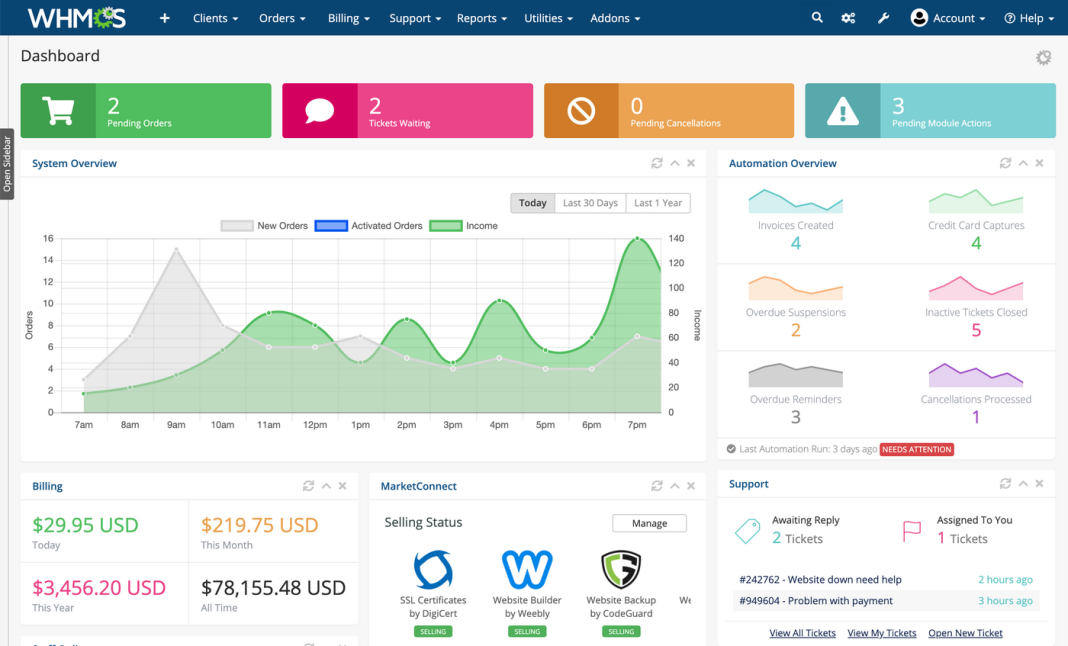
Not strictly—but after ~10–15 clients, automation (provisioning, invoicing, renewals, suspensions) pays for itself.
If you want instant activation, private nameservers, free cPanel migrations, and a performance stack that reduces tickets, start with Tremhost Reseller Hosting. Then plug your numbers into the formulas above and publish your pricing page with confidence.