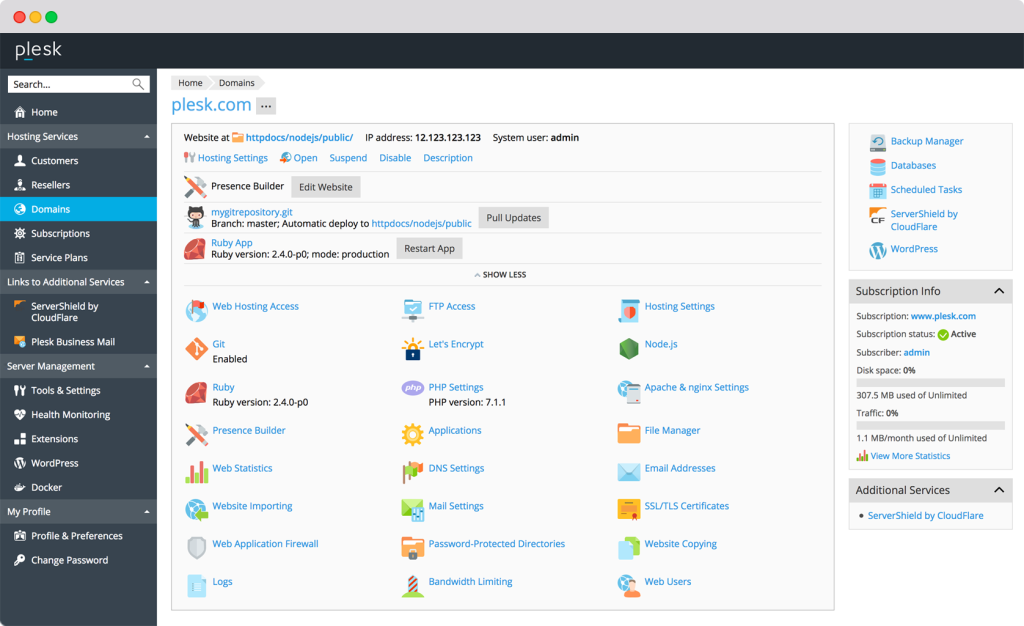
Plesk makes it easier to manage websites on your own server. Here is how to set it up with Tremhost.
1. Choose a KVM VPS
Tremhost’s KVM VPS plans start at $15 a month for KVM 1 (2 dedicated cores, 2 GB RAM, 40 GB NVMe) and go up to KVM 9 at $300 a month (24 cores, 124 GB RAM, 640 GB NVMe). Every plan has 32 TB to 128 TB of monthly traffic, one IPv4 address and full root access. See the KVM VPS plans.
For a handful of small sites, KVM 1 or KVM 2 is usually enough. Busier sites or many accounts need more RAM.
2. Get a Plesk licence
Tremhost sells Plesk Web Host Edition licences from $5 a month. See Plesk and other licences.
3. Install and secure Plesk
KVM plans are unmanaged, so you install Plesk on the server, apply updates and set up backups yourself.
Prefer a managed server?
Tremhost does not offer a managed Plesk server. Its managed option is the Managed cPanel VPS, from $80 a month plus a $7 setup fee, with cPanel & WHM, LiteSpeed, CloudLinux, Imunify360, core updates by Tremhost’s technicians and daily backups kept for 7 days.
Support is by WhatsApp or a support ticket, from Tremhost’s team in Harare.
Support hours: Monday to Friday 08:00–17:00 CAT. Updated 5 November 2026.