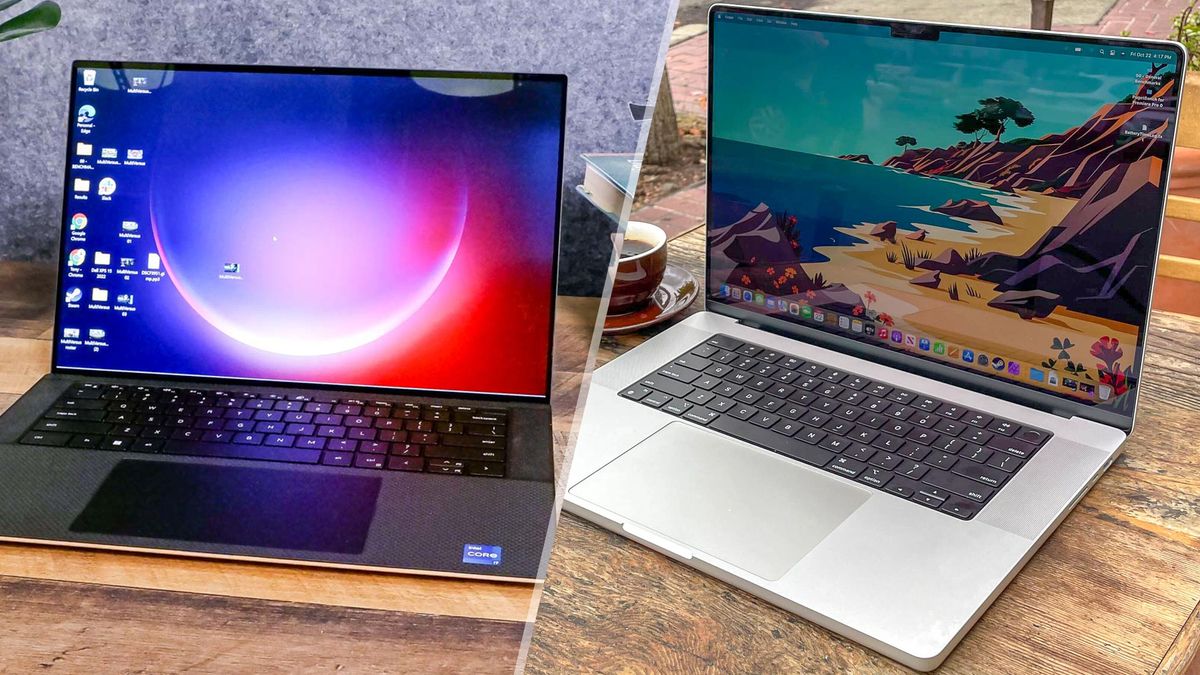

The question of whether a MacBook or a Windows laptop is the best choice ultimately depends on individual preferences, needs, and specific use cases. Both platforms offer unique features and advantages. Let’s compare them head-to-head across various aspects to provide a comprehensive overview:
Operating System:
MacBook: macOS, known for its sleek and intuitive user interface, seamless integration with other Apple devices, and robust security measures.
Windows: Microsoft Windows, providing a wide range of software compatibility, customization options, and a diverse selection of hardware choices.
Design and Build Quality:
MacBook: Apple is renowned for its premium, sleek, and stylish designs, utilizing high-quality materials such as aluminum unibody constructions.
Windows: Windows laptops come in various designs, ranging from budget-friendly options to premium models, offering a wide range of aesthetics and build qualities.
Software and Application Compatibility:
MacBook: macOS has a curated selection of software and applications available through the Mac App Store, with a focus on optimized applications for creative professionals.
Windows: Windows has a larger software library, including a vast range of productivity tools, gaming options, and business applications.
Hardware Performance:
MacBook: Apple designs both the hardware and software, providing optimized performance and power efficiency. MacBooks often feature high-resolution displays, fast solid-state drives (SSDs), and efficient processors.
Windows: Windows laptops come in a wide range of configurations, allowing users to choose hardware options that suit their needs, from entry-level to high-performance specifications.
Gaming:
MacBook: While MacBooks are capable of running games, the gaming ecosystem is more extensive on Windows due to wider software compatibility and support for a broader range of graphics cards.
Windows: Windows is the preferred platform for gaming, with a vast library of games and extensive support for gaming hardware and accessories.
Price Range:
MacBook: Apple laptops tend to be more expensive compared to Windows laptops, with a focus on premium designs and optimized performance.
Windows: Windows laptops offer a wide range of price points, from budget-friendly options to high-end models, providing flexibility to cater to various budgets.
Customization and Upgradability:
MacBook: Apple laptops are known for limited customization and upgradability options, as they are designed with a focus on integration and sleek form factors.
Windows: Windows laptops often offer more customization and upgradability options, allowing users to upgrade components such as RAM, storage, and sometimes even the CPU or GPU.
In conclusion, determining the “best” platform between MacBook and Windows depends on personal preferences, specific needs, and use cases. If you value seamless integration with other Apple devices, prioritized software optimization for creative tasks, and a sleek design, a MacBook may be the preferred choice. On the other hand, if you prioritize a wider software library, hardware customization options, gaming capabilities, and a range of price points, a Windows laptop may be the better fit. It is recommended to consider your specific requirements and try out both platforms, if possible, to make an informed decision based on your individual needs.