
Understanding the HTTP 500 Internal Server Error
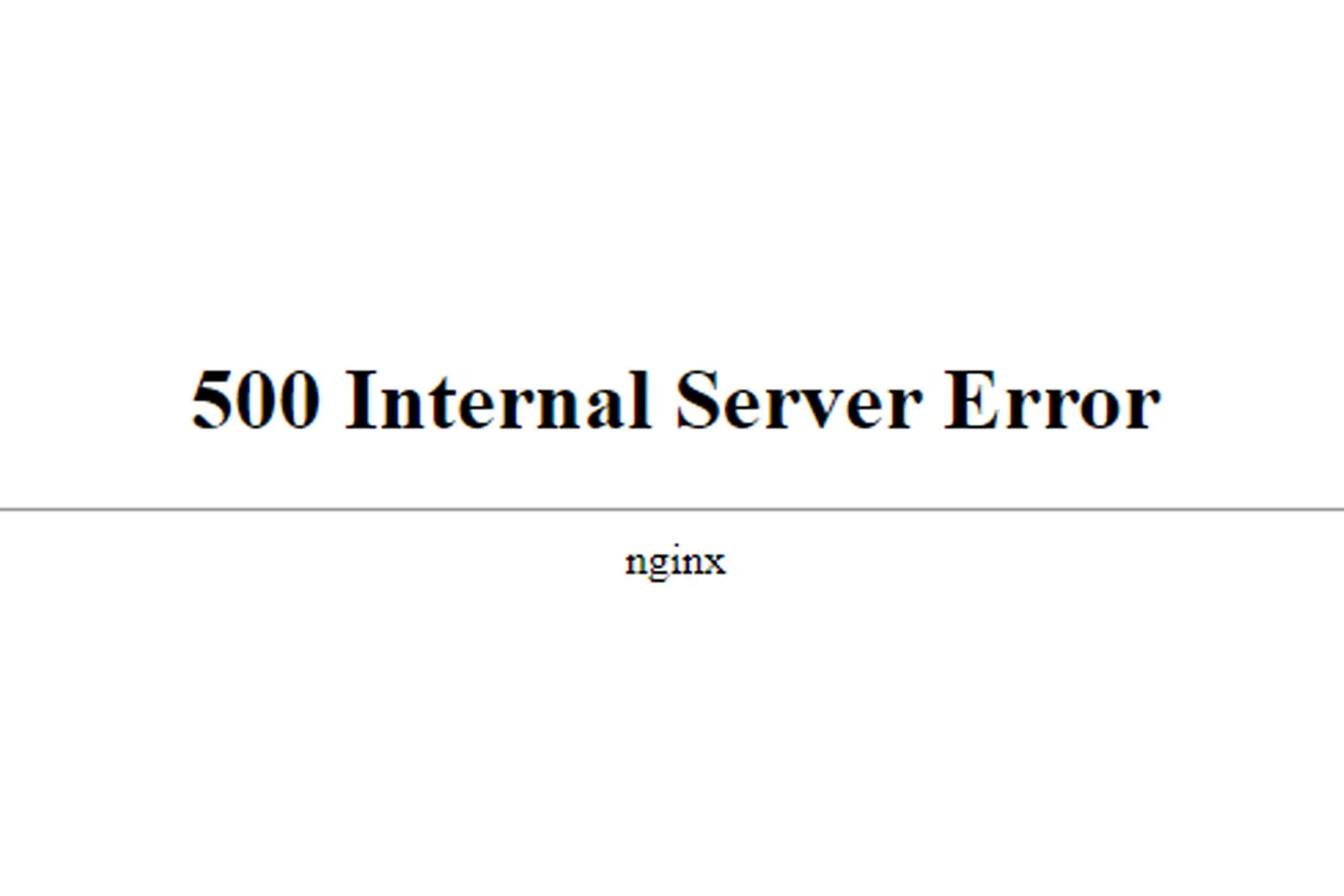
When browsing the web, you might have encountered a cryptic message: “500 Internal Server Error”. It’s like stumbling upon a locked door with no key. Fear not! Let’s delve into this enigmatic error, understand its causes, and explore potential solutions.
What Is a 500 Internal Server Error?
- Definition: A 500 Internal Server Error is an HTTP status code that indicates something went awry on the web server’s end. Instead of serving a regular web page, the server throws up its hands and says, “Oops, something unexpected happened!”
How Does It Manifest?
- You might see variations of this error message:
- “500 Internal Server Error”
- “500 Error”
- “HTTP Error 500”
- “500. That’s an error”
- “Temporary Error (500)”
Causes and Impact:
- Server Glitches: The website’s backend machinery hiccupped. It could be due to overloaded servers, misconfigured scripts, or database issues.
- Faulty Code: A bug in the website’s code triggered the error.
- Permissions Snafu: Incorrect permissions on files or directories can lead to a 500 error.
- Plugins Gone Rogue: Misbehaving plugins or extensions can wreak havoc.
- PHP Timeout: If a PHP script takes too long to execute, the server throws its hands up.
How to Fix It (Or at Least Cope):
- Wait It Out: Sometimes, it’s a temporary glitch. Reload the page after a few minutes.
- Click Reload: Hit that “Reload” button (F5) on your browser. The server might recover.
- Avoid Double Payments: If you were making a transaction, be cautious. Reloading during payments could lead to double charges.
- Contact the Website Owner: Politely inform them about the issue. They’ll need to fix it on their end.
Remember, the 500 Internal Server Error isn’t your fault—it’s the website’s. So, take a deep breath, sip your virtual tea, and wait for the server elves to sort things out.