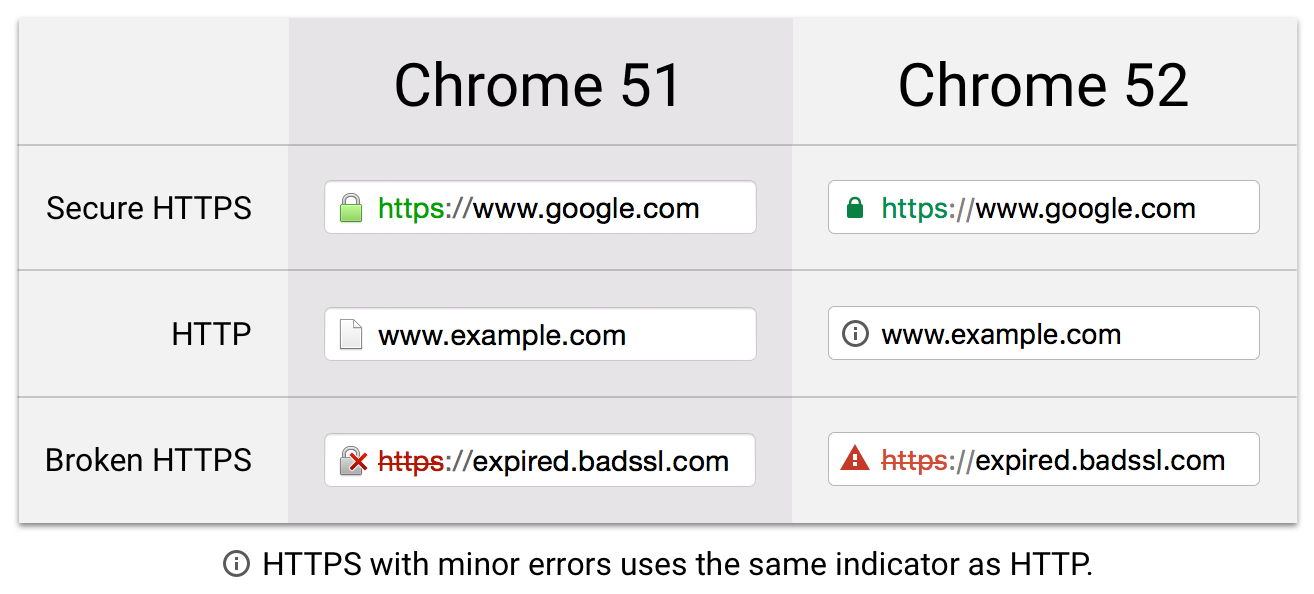

Handling Expired or Not Yet Valid Certificates: A Practical Guide
!Certificate
Introduction
In the digital realm, security certificates play a crucial role in establishing trust and ensuring secure communication. However, what happens when a certificate expires or is not yet valid? In this article, we’ll explore the steps to take when faced with this situation and discuss why timely action is essential.
1. Identify the Culprit: Where Is the Expired Certificate?
Before you can address the issue, you need to pinpoint the expired certificate’s location within your IT ecosystem. Here’s how:
- Full Visibility: Maintain a comprehensive inventory of certificates across your network. Knowing where each certificate resides is essential.
- Systems Connected: Identify all systems connected to the certificate. This includes servers, applications, and endpoints.
2. Renewal and Prevention Strategies
Renewal Steps
- Act Swiftly: As soon as you discover an expired certificate, act promptly. Delay can lead to service outages and unencrypted connections.
- Check Reminders: Renew certificates before they expire. Calendar reminders and alerts from certificate authorities (CAs) are your allies.
- Certificate Lifecycle Management: Adhere to industry best practices for managing certificate lifespans.
Prevention Measures
- Automate Renewals: Implement automated renewal processes to minimize manual errors.
- Monitor Expiry Dates: Regularly review certificate expiration dates.
- Proactive Alerts: Set up automated alerts for impending expirations.
3. Impact of Certificate Outages
Expired certificates can cause significant disruptions:
- Customer Services: 55% of organizations report severe disruptions to customer-facing services due to certificate outages.
- Internal Users: 50% experience major disruptions internally.
Conclusion
In the digital age, certificates are the guardians of trust. By proactively managing their lifecycle, promptly addressing expirations, and maintaining visibility, you can ensure a secure and reliable environment for your organization.
Remember, an expired certificate is like a wilted flower—it needs renewal to bloom again!