

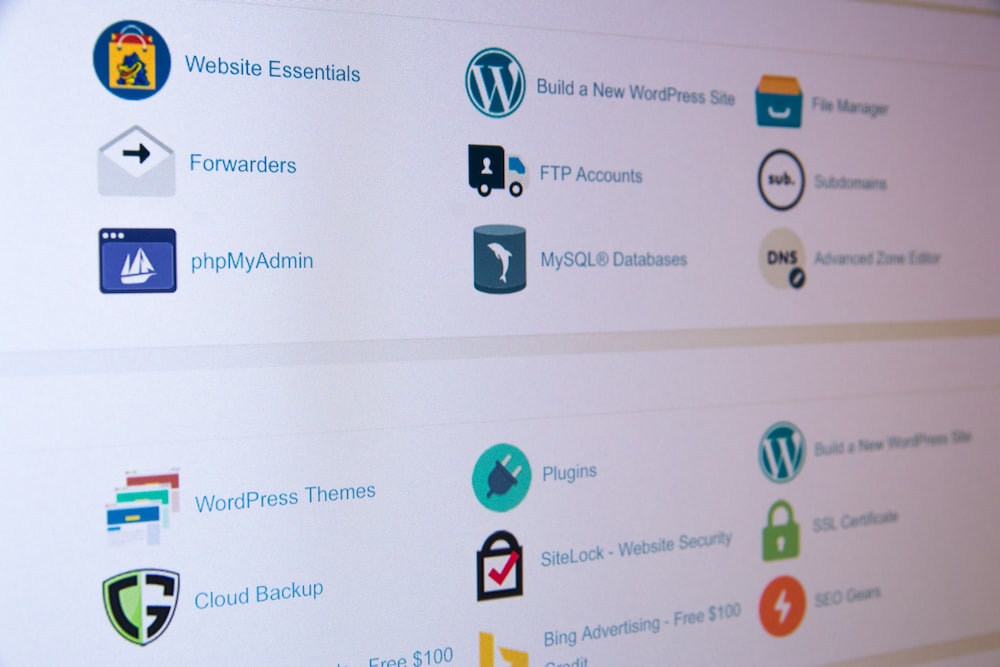



When it comes to managing a dedicated server, choosing the right control panel can make a significant difference in both server management and user experience. cPanel stands out as a popular choice among web hosting professionals and businesses alike. Here are the top benefits of using cPanel on a dedicated server:
1. User-Friendly Interface
cPanel’s intuitive interface allows users, regardless of technical expertise, to navigate effortlessly through its features. The organized layout and clear icons make it easy to perform tasks such as managing files, databases, and email accounts. This accessibility helps reduce the learning curve for new users.
2. Comprehensive Domain Management
cPanel provides robust domain management tools, enabling users to add, modify, and delete domains and subdomains with ease. The DNS management feature allows users to configure records, set up redirects, and manage domain parking—all from a single dashboard.
3. Efficient Email Management
With cPanel, creating and managing email accounts is straightforward. Users can set up email forwarding, autoresponders, and spam filters. This level of control ensures that your communication remains organized and professional.
4. Powerful File Management
The built-in File Manager in cPanel allows users to upload, edit, and organize files directly from the web interface. Users can manage permissions, create backups, and even edit code without needing separate FTP software, streamlining the workflow.
5. Simplified Database Management
cPanel supports MySQL and PostgreSQL databases, making it easy to create, manage, and back up databases. The phpMyAdmin tool simplifies database tasks, allowing users to perform complex queries and edits with minimal effort.
6. Enhanced Security Features
Security is paramount in dedicated server hosting. cPanel offers various features, such as directory password protection, IP blocking, and SSL certificate management. These tools help protect websites from unauthorized access and ensure that sensitive data remains secure.
7. Automated Backup Solutions
Regular backups are vital for any server. cPanel provides built-in backup options that allow users to create full or partial backups quickly. Automated backup configurations can also be set up, ensuring that data is regularly saved without manual intervention.
8. One-Click Software Installation
cPanel includes tools like Softaculous, enabling one-click installations of popular applications such as WordPress, Joomla, and Drupal. This feature simplifies the process of setting up websites and applications, saving valuable time and effort.
9. Resource Monitoring and Management
Users can easily monitor server resource usage—such as CPU, RAM, and disk space—directly from the cPanel dashboard. This visibility helps identify performance issues early, allowing users to optimize their server’s resources effectively.
10. Customizable User Accounts
For web developers or agencies managing multiple clients, cPanel allows the creation of separate user accounts with specific permissions. This enables better control and organization, ensuring that clients only have access to their own accounts and settings.
Conclusion
Using cPanel on a dedicated server enhances both server management and user experience through its intuitive interface and comprehensive features. From simplified domain and email management to powerful security and backup options, cPanel equips users with the tools needed to efficiently manage their server environments. Whether you’re a beginner or an experienced administrator, cPanel provides the flexibility and support necessary for successful server management.


