
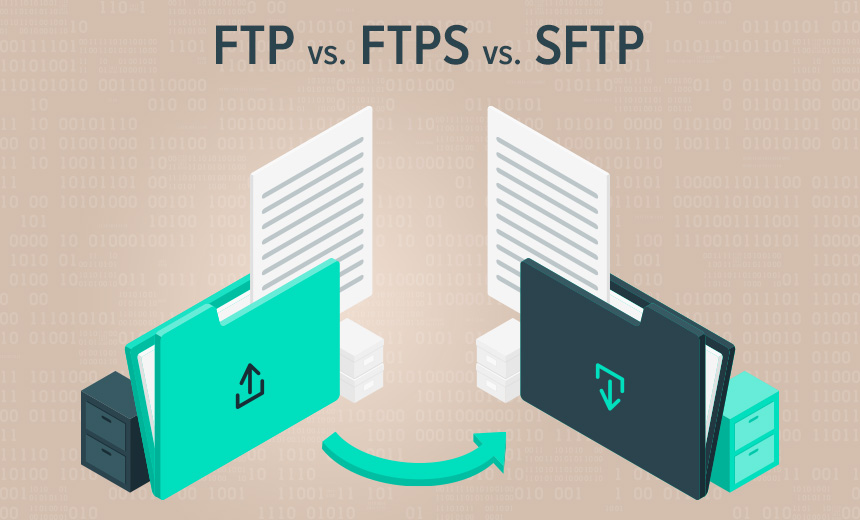

Let’s delve into the differences between FTP (File Transfer Protocol) and SFTP (SSH File Transfer Protocol). Both protocols serve the purpose of transferring files, but they operate in distinct ways, especially when it comes to security.
FTP vs SFTP: A Comparative Analysis
1. What Is FTP?
- FTP stands for File Transfer Protocol.
- It follows the client/server model, allowing direct file transfers between your chosen FTP client (e.g., FileZilla) and your web server.
- FTP uses two separate channels: a command channel and a data channel.
- Unencrypted by default: Both channels are unencrypted, which means that malicious actors could potentially eavesdrop on the information being transferred.
2. What Is SFTP?
- SFTP stands for SSH File Transfer Protocol (also known as Secure File Transfer Protocol).
- Like FTP, it allows file transfers, but with an added layer of security.
- Tunneling and SSH: SFTP performs file transfers over SSH (Secure Shell), which provides secure access to a machine (in this case, your server) over unsecured networks.
- Single channel: SFTP uses only one channel for communication.
- Authentication options: You can authenticate your SFTP client using either a username/password or SSH cryptographic keys.
3. The Key Difference: Security
- FTP:
- Unencrypted channels expose data during transfer.
- Malicious actors can potentially intercept your data.
- Requires authentication with a username and password.
- SFTP:
- Always secured: Data moves between your FTP client and web server encrypted.
- No eavesdropping: Malicious actors cannot intercept your data.
- Authentication options include both username/password and SSH keys.
4. Which One Should You Use?
- SFTP is recommended:
- Due to its enhanced security features, we recommend using SFTP.
- Here at Tremhost, we exclusively offer SFTP for our users.
- While the end-user experience is similar for both protocols, the underlying security makes SFTP the better choice.
In summary, if you want a secure file transfer solution, opt for SFTP. It ensures that your data remains confidential during transmission, protecting it from potential threats.