You can use the SSL checker tool from Cert Logik to test whether or not your SSL certificate has been installed properly. The link is: https://certlogik.com/ssl-checker/.
Why does the website say the SSL certificate is ‘Untrusted’?
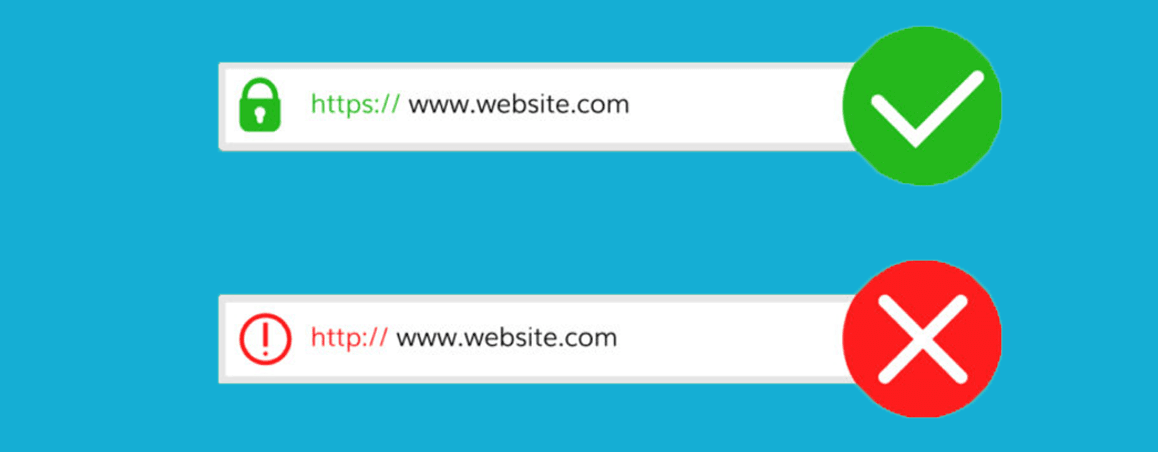
This is more than likely because the intermediate certificates were never installed. Installing them should resolve this error. Below you will find links on where to locate and install your intermediate certificate, depending on the Certificate Authority that issued the cert. Or you can always contact your SSL provider.
- https://knowledge.digicert.com/generalinformation/INFO4331.html
- https://knowledge.geotrust.com/support/knowledge-base/index?page=content&id=AR1421
- https://search.thawte.com/support/ssl-digital-certificates/index?page=content&id=AR1384
- https://knowledge.rapidssl.com/support/ssl-certificate-support/index?page=content&id=AR1548
- https://support.comodo.com/index.php?/Default/Knowledgebase/List/Index/108/sha-2
Why does the website say the name on the security certificate does not match the name of the site?
This means that URL in the browser and the common name in the certificate are not an EXACT match (for instance, the www. is missing). Another common reason for this is the web host’s certificate is incorrectly assigned to your domain name. Or, you purchased a certificate that does not cover the specific subdomain you are looking at.
When trying to go to the site over https, it displays the message ‘The page cannot be displayed.’ Why is that?
There are actually many reasons why this could be happening, some of which could be entirely unrelated to your certificate. So, unfortunately, we can’t give specific advice. But, we would recommend clicking on the “Details” button to get more specific information about this error from the browser.
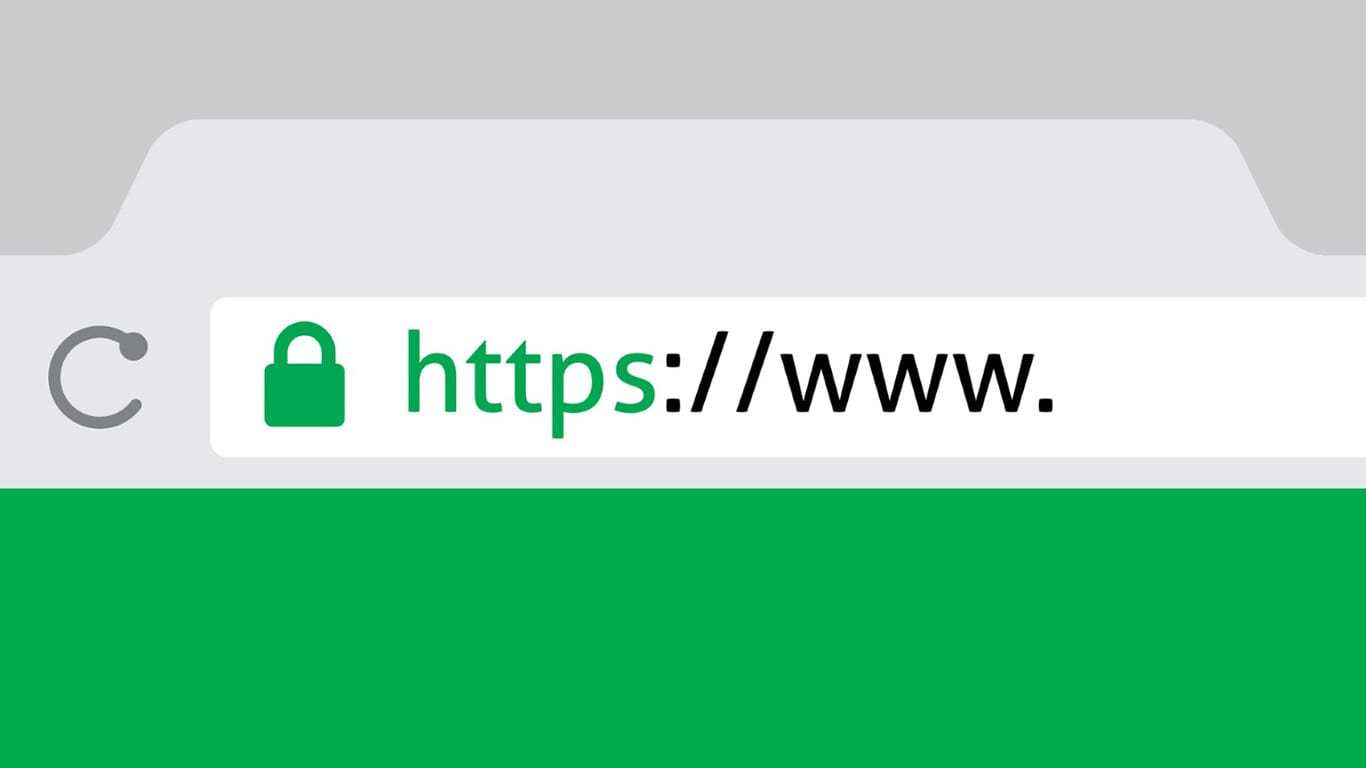
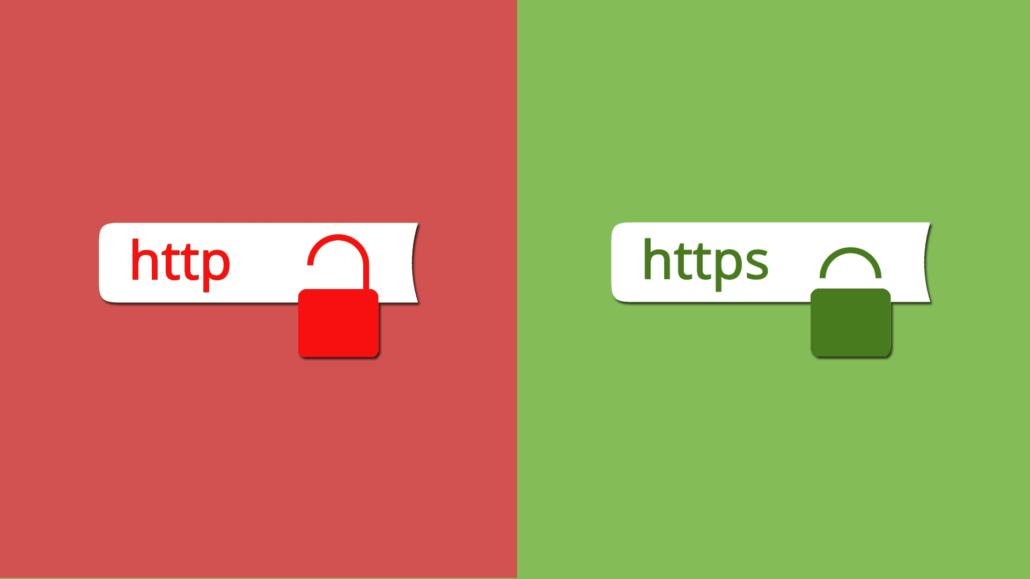
My browser is not showing the green padlock/green bar, why?
There are several reasons why this could be occurring or a combination of several. The four most common reasons are:
- Insecure content, which means there are HTML elements on your site being explicitly linked by http. This would need to be updated via your system administrator.
- Missing or invalid intermediate chain. Your certificate is issued from an intermediate file. Make sure that you install this alongside your certificate on your server. If you do not have this file please contact your SSL provider.
- Your certificate is issued with the SHA-1 hashing algorithm. Browsers no longer trust this algorithm. You will need to reissue with SHA-2.
- It is the incorrect certificate. Sometimes your old expired certificate or a certificate provided by your hosting company or a self-signed certificate is installed on your site. You will need to identify the source of the incorrect certificate and contact that party to resolve the issue.
Do I need a dedicated/static IP address to use an SSL certificate?
Yes, you must have a static IP address for an SSL certificate. If you do not have one, you may be able to assign one via your webserver or you may need to purchase one from your web host if you own/operate your webserver (usually only a few dollars a month).
My certificate works in my browser, but my visitors get a Security Alert that says ‘The security certificate was issued by a company you have not chosen to trust…’ What is the problem?
The issue is that your visitors’ browsers are unable to properly identify who issued your certificate. First, confirm that your visitors are not seeing an incorrect or outdated certificate. Once you have made sure that your visitors are seeing the correct certificate, the issue is most likely solved by installing the intermediate certificates.
Below are the links that you can use to download your intermediate certificate from the vendor website:
- https://knowledge.digicert.com/generalinformation/INFO4331.html
- https://knowledge.geotrust.com/support/knowledge-base/index?page=content&id=AR1421
- https://search.thawte.com/support/ssl-digital-certificates/index?page=content&id=AR1384
- https://knowledge.rapidssl.com/support/ssl-certificate-support/index?page=content&id=AR1548
- https://support.comodo.com/index.php?/Default/Knowledgebase/List/Index/108/sha-2
How can I install my SSL certificate on more than one server?
First, check your certificate license. There are two methods to install your certificate on multiple servers. The first method is to import the certificate, private key, and intermediate files on server #2, #3, etc. Or, create a new CSR and key file on server #2, #3, etc. and reissue the active certificate.
How do I download my certificate files?
When the certificate is issued, the Certificate Authority (CA) will send an email to the Technical Contact listed on the order. That email will contain the certificate files.
Is technical support available from the CA? Should I need it?

For all technical support matters regarding your SSL certificate, you can contact your SSL provider, if needed. The CA does not provide direct support, but we will be able to help you right away, as we are more specialized. However, you can contact the CA directly for questions and support related to the actual validation process of the SSL certificate.