
!SSH
Secure Shell (SSH) is a powerful protocol that allows secure communication between your local machine and remote servers. Whether you’re a system administrator, developer, or curious tech enthusiast, understanding SSH and its default port is essential. Let’s dive into the world of SSH ports and explore how they work.
What Is SSH?
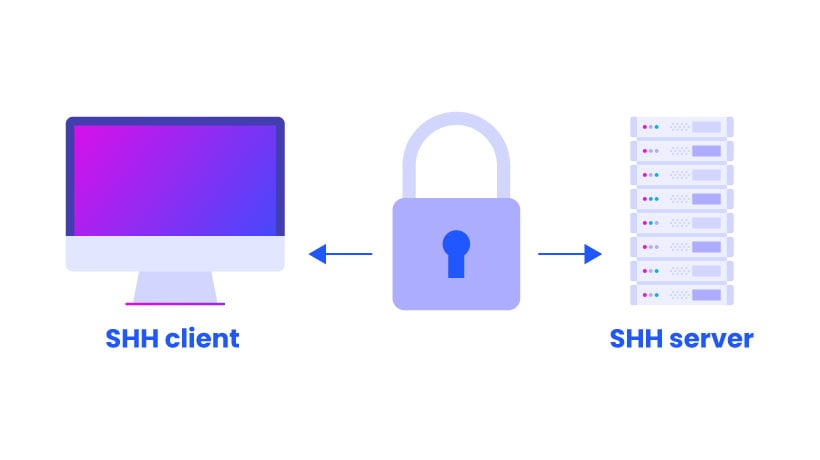
SSH, short for Secure Shell, provides a secure way to log onto remote systems. It encrypts data during transmission, ensuring confidentiality and integrity. Here are the key points about SSH:
- Authentication: SSH uses various methods for authentication, including passwords and public-key cryptography.
- Encryption: All data exchanged between the client and server is encrypted.
- Remote Access: SSH allows you to execute commands remotely on a server.
- Port: By default, SSH communicates over port 22.
The Default SSH Port
The standard TCP port for SSH is 22. When you connect to a remote system using SSH, you’ll use the ssh command. Here’s the basic syntax:
ssh remote_host
- Replace
remote_hostwith the IP address or domain name of the server you want to access. - If your username on the remote system differs from your local username, use this syntax:
ssh remote_username@remote_host
Windows Users
- PowerShell: Install OpenSSH to use SSH from PowerShell.
- WSL (Windows Subsystem for Linux): Set up WSL to have a full Linux environment, including SSH.
- Git for Windows: Provides a native Windows bash terminal with the
sshcommand.
How Does SSH Work?
- Client-Server Connection: SSH connects a client program (like
ssh) to an SSH server (sshd). - Server Availability: On most Linux systems,
sshdstarts automatically. If not, start it using:sudo systemctl start ssh - Configuration: Modify SSH settings in
/etc/ssh/sshd_config.
Enhancing Security: Changing the Default Port
While port 22 is the default, consider changing it for added security. Why?
- Reduced Scans: Attackers often scan port 22 for vulnerabilities. Changing the port reduces exposure.
- Obscurity: Although not a primary security measure, using a non-standard port adds a layer of obscurity.
To change the SSH port:
- Edit
/etc/ssh/sshd_config. - Locate the line with
Port 22. - Replace
22with your desired port (e.g.,Port 2222). - Restart SSH:
sudo systemctl restart ssh.
Remember to update your firewall rules to allow the new port.
Key-Based Authentication
Instead of passwords, use SSH keys for authentication. Generate keys using ssh-keygen and add your public key to the server’s ~/.ssh/authorized_keys file.
Conclusion
SSH is your gateway to remote systems, and understanding its default port and security practices is crucial. Whether you’re managing servers or exploring the tech landscape, SSH empowers you to securely interact with the digital world.
Remember: Secure your keys, change the port, and explore the possibilities of SSH!