



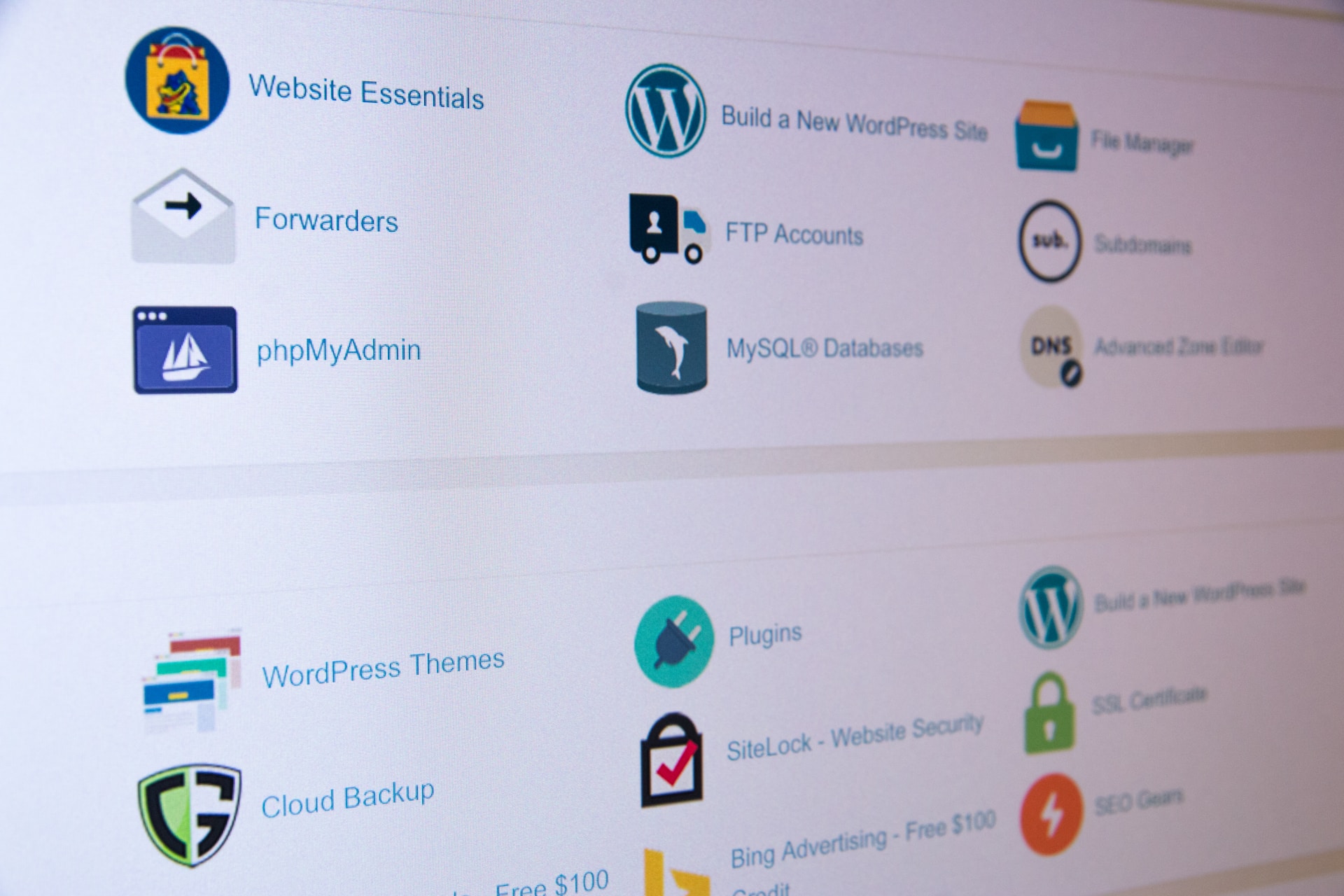

cPanel provides a wide range of tools and features to help users manage their web hosting accounts efficiently. Here are some common tools and features you can find in cPanel:
File Manager: A file management tool that allows you to upload, download, edit, and organize files and directories on your website server. It provides a user-friendly interface similar to a desktop file explorer.
Email Accounts: cPanel enables you to create and manage email accounts associated with your domain. You can set up email forwarding, autoresponders, spam filters, and access webmail interfaces to manage your emails.
Domains: This section allows you to manage your domains, including adding and managing subdomains, setting up domain redirects, managing DNS (Domain Name System) settings, and configuring domain aliases.
Databases: cPanel provides tools for creating and managing databases, primarily using the MySQL or MariaDB database systems. You can create databases, set up users and permissions, manage database backups, and access phpMyAdmin for advanced database administration tasks.
File Backup: cPanel offers backup and restoration tools for your website files, databases, and email accounts. You can schedule backups, generate full or partial backups, and restore them when needed.
SSL/TLS Manager: This tool allows you to manage SSL certificates for secure connections to your website. You can generate and install SSL certificates, set up HTTPS redirection, and manage certificate signing requests (CSRs).
Security: cPanel provides various security features, such as password-protected directories, IP blocking, and SSL/TLS settings. You can configure firewalls, manage SSH (Secure Shell) access, and view access logs to monitor and enhance the security of your hosting account.
Metrics and Analytics: cPanel offers built-in tools to monitor website statistics and analytics. You can access metrics such as website traffic, bandwidth usage, error logs, and resource usage. These insights help you track the performance of your website and make informed decisions.
Softaculous: This tool allows you to install a wide range of applications and scripts on your website with just a few clicks. It includes popular content management systems (CMS) like WordPress, Joomla, and Drupal, as well as e-commerce platforms, forums, and more.
Cron Jobs: Cron Jobs enable you to schedule and automate tasks on your server. You can set up scripts or commands to run at specific intervals, such as backups, database maintenance, or script execution.
DNS Zone Editor: This tool allows you to manage DNS settings for your domains. You can add or modify DNS records, set up email routing, create subdomains, and manage other DNS-related configurations.
These are just a few examples of the tools and features available in cPanel. The specific tools and their arrangement may vary slightly depending on the version of cPanel and your web hosting provider. Additionally, cPanel often provides integration with third-party applications and services, allowing you to extend its functionality and integrate with popular tools in the web development ecosystem.


