
If you have the original private key on the active certificate, you can install it on the new server or provide it to your new web host. If you do not have the original private key, you will have to reissue your certificate with a new CSR.
I entered in the wrong common name, how do I change it?

You will need to cancel & reorder your certificate and generate a new CSR with the correct common name.
How do I add additional domains to a multi-domain/SAN certificate?

You can add additional domains to an active certificate by reissuing it.
The CSR cannot be decoded?

This is because it is missing one or more required fields or the CSR contains non-alphanumeric characters in the required fields.
What is a private key used for?
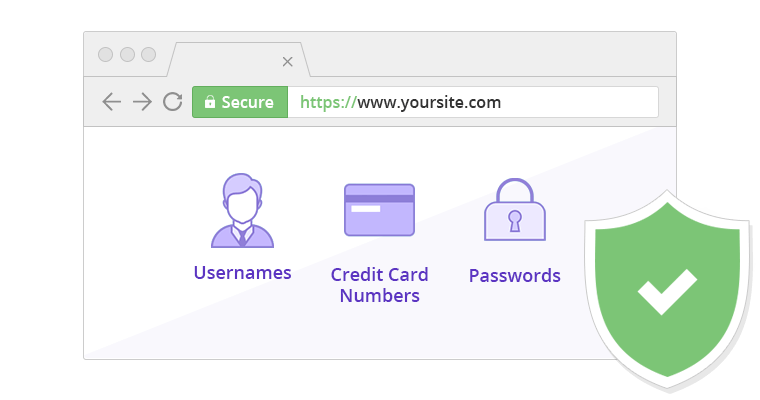
The private key is used on the server-side exchange for creating the secure connection. It should never be exposed to your SSL provider or outside users, unless specifically requested by your web host for installation. Please note if the private key is lost or deleted, you will have to make a new CSR and private key on your server. Your private key is not provided by the Certificate Authority (CA) or your SSL provider.
What should I do if I receive a ‘CSR invalid’ error during the certificate activation process?

If this happens, your common name is not appropriately formatted for your type of certificate (wildcard certificates should use *.domain.com, for example) or you could also have disallowed characters in other fields. Please create a new CSR that only use the English alphabet and numbers 0-9. For example, if the “&” symbol is included in your Organization Name, please type out “and” instead.
The CSR cannot be decoded. What does that mean and what should I do?

Make sure you have the correct file copied and not your self-signed certificate, your previous SSL, or if it is bundled as a PKCS7 or PKCS12. Or, you could have a pass-phrase that does not have alpha-numeric characters or disallowed characters. If this is the case, you will need to generate a new CSR without the disallowed characters or in the proper form. Please only use the English alphabet and numbers 0-9. For example, if the “&” symbol is included in your Organization Name, please type out “and” instead.
I have noticed something incorrect in my CSR. What should I do?
It is impossible to edit any fields once the CSR has been created. You will simply need to generate a new CSR with the correct details?
How do I generate a CSR?
Please consult official documentation for your server, operating system, or control panel. Most documentation can be found online through a simple Google search.
What is a CSR?
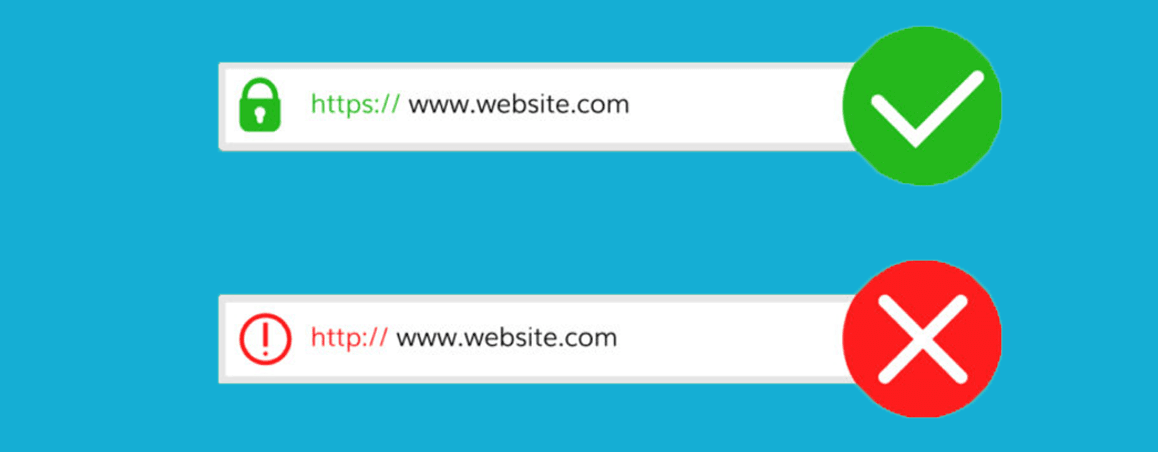
A CSR stands for Certificate Signing Request and is necessary for all SSL certificates in order to complete the generation process. A CSR is generated from your server.